Processors
(8)Compare AMD and Intel CPUs by socket, cores, clock speed and price.
Popular product types
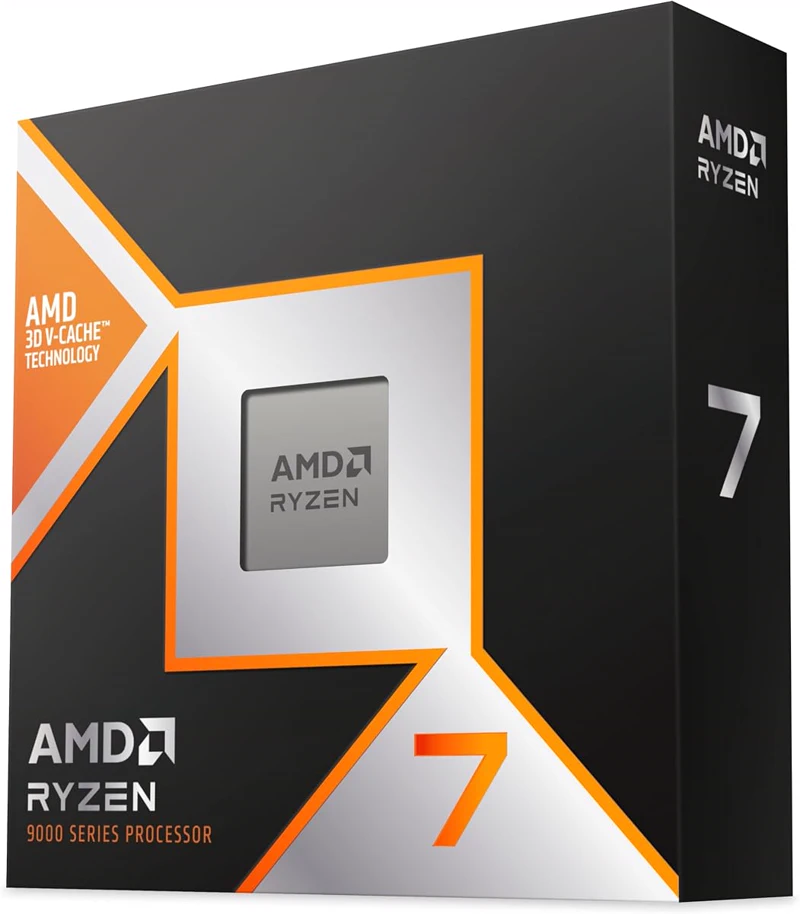
8 cores / 16 threads · socket AM5 · 4.7 GHz · up to 5.2 GHz · 96 MB L3 · 120 W · AMD Radeon Graphics
4.8(30)67 offers96/100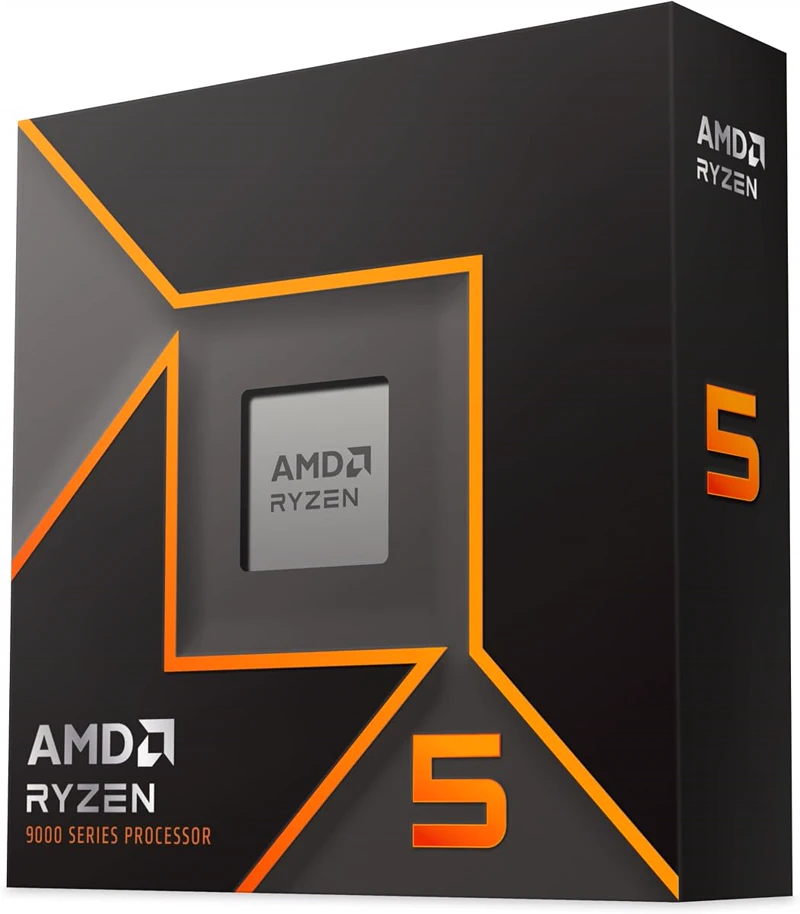
6 cores / 12 threads · socket AM5 · 3.9 GHz · up to 5.4 GHz · 32 MB L3 · 65 W · AMD Radeon Graphics
4.5(15)61 offers88/100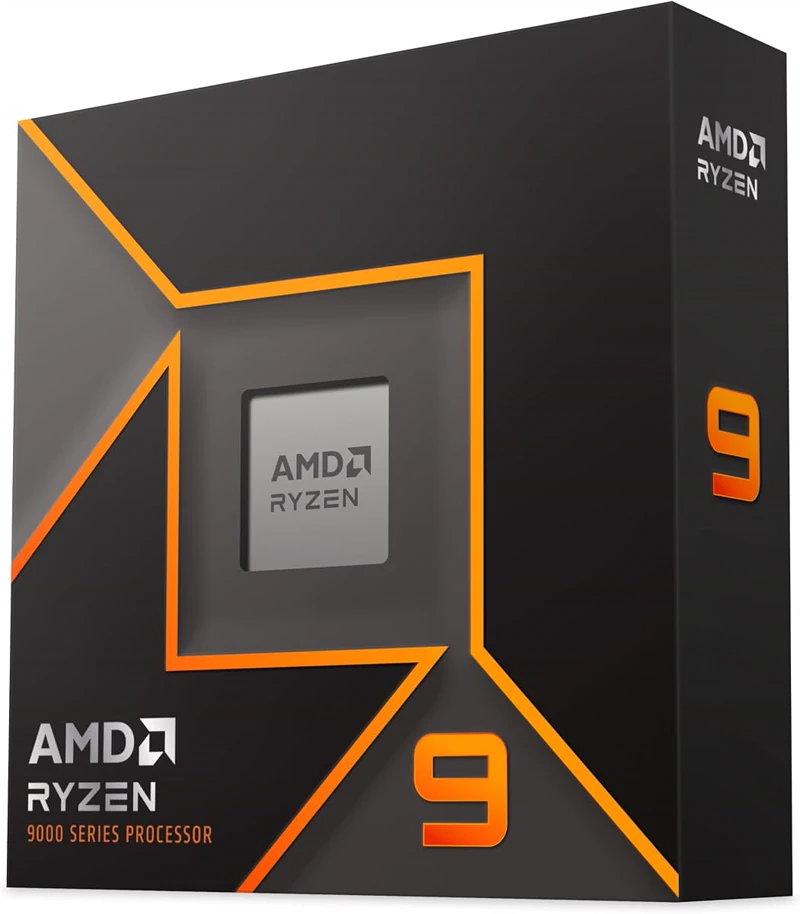
16 cores / 32 threads · socket AM5 · 4.3 GHz · up to 5.7 GHz · 64 MB L3 · 170 W · AMD Radeon Graphics
4.6(13)50 offers95/100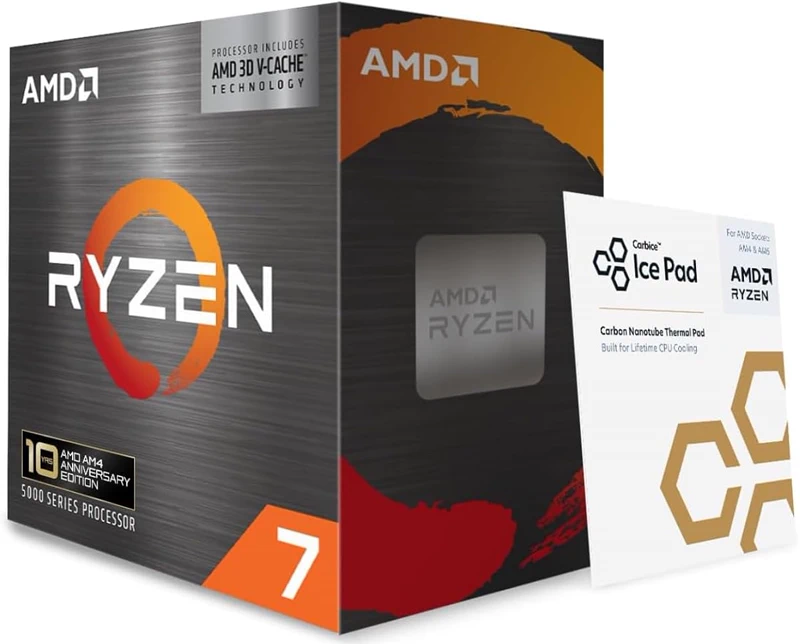
8 cores / 16 threads · socket AM4 · 3.4 GHz · up to 4.5 GHz · 96 MB L3 · 105 W · no graphics
4.4(947)32 offers84/100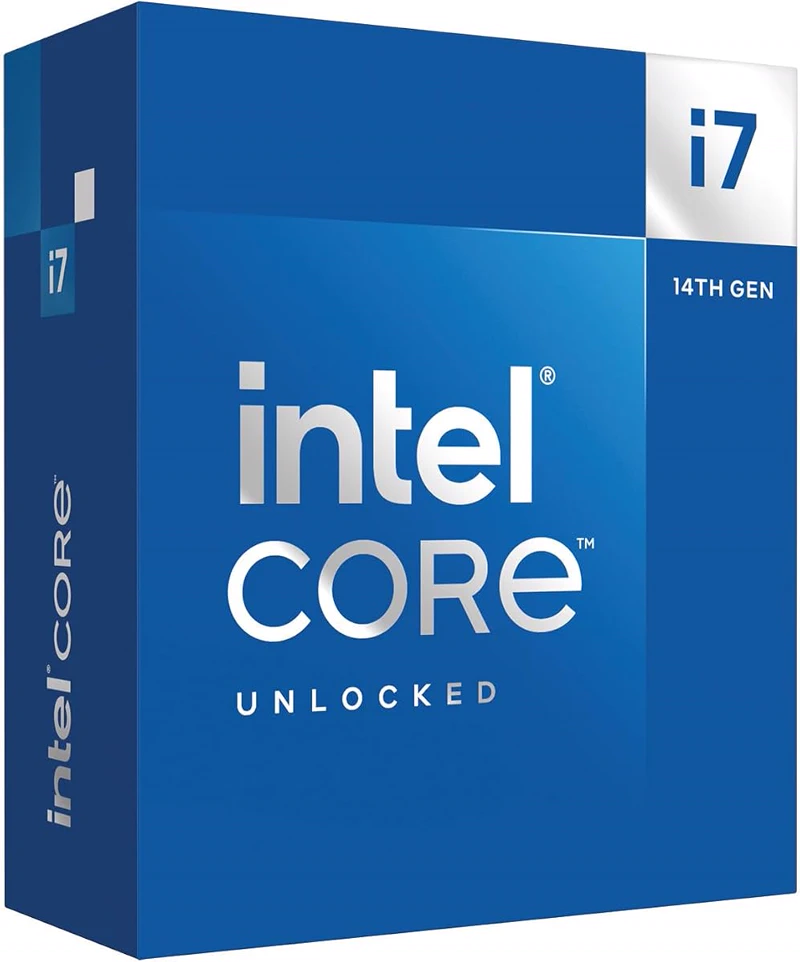 IntelIntel Core i7-14700K
20 cores / 28 threads · socket LGA1700 · 3.4 GHz · up to 5.6 GHz · 33 MB L3 · 125 W · Intel Graphics
4.6(57)54 offers88/100 IntelIntel Core i9-14900K
24 cores / 32 threads · socket LGA1700 · 3.2 GHz · up to 6 GHz · 36 MB L3 · 125 W · Intel Graphics
4.5(9)54 offers90/100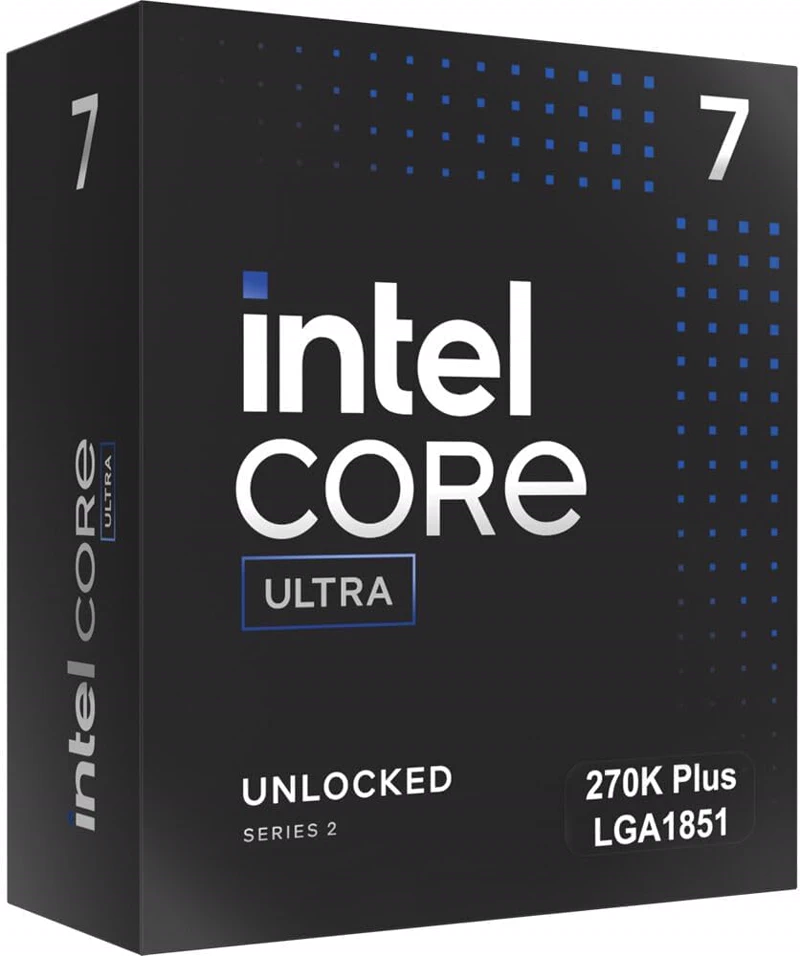
24 cores / 24 threads · socket LGA1851 · 3.7 GHz · up to 5.5 GHz · 36 MB L3 · 125 W · Intel Graphics
4.7(55)55 offers92/100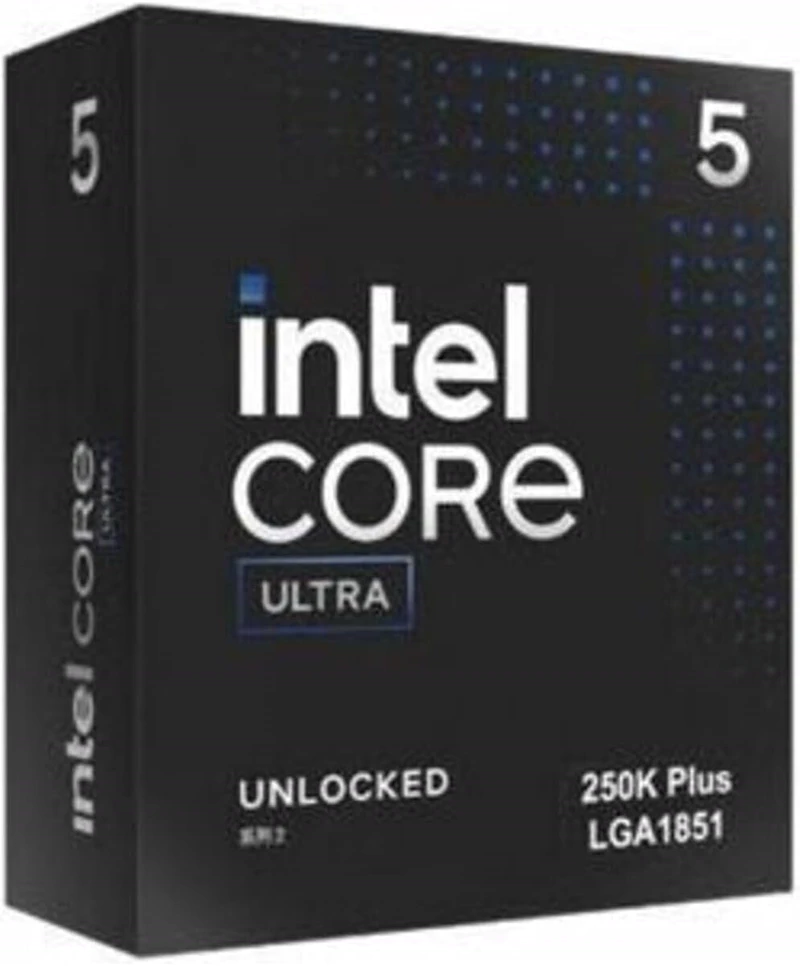
18 cores / 18 threads · socket LGA1851 · 4.2 GHz · up to 5.3 GHz · 30 MB L3 · 125 W · Intel Graphics
4.6(36)36 offers87/100
Processors compared
1. CPU basics: what a processor does
The CPU is the computing centre of your PC. It executes instructions, coordinates data flow and determines how quickly applications respond. The main differences are core and thread count, clock behaviour, cache size, architecture and platform.
Modern processors mix performance and efficiency cores or add extra cache to speed up games and parallel workloads. Power efficiency affects noise, cooling requirements and electricity use.
2. Everyday use & performance: what matters
How you use the PC matters most. Many open tabs, video calls and fast app launches benefit from strong single-core performance and enough memory. Games respond especially well to IPC and cache.
Rendering, streaming and virtualisation benefit from more cores and threads. Integrated graphics are useful for office PCs, troubleshooting and compact systems without a dedicated GPU.
3. Buying criteria at a glance
Start with the platform: socket and chipset define upgrade paths, PCIe lanes and supported memory. Then look at cores, threads, clocks and cache.
More cores do not automatically mean more performance; many applications rely on fast single cores. Check the power draw too: a high TDP needs a stronger cooler and a suitable PSU.
4. Compatibility & setup
Socket, BIOS version and memory generation must match. On an upgrade, an up-to-date BIOS is often required for the board to recognise the new CPU.
Check cooler clearance, memory type and the motherboard power delivery before buying. Apply thermal paste correctly and tighten the cooler evenly to avoid thermal throttling.
5. Which CPU fits you?
Office and web work need 4 to 6 cores with integrated graphics. Gaming benefits from 6 to 8 fast cores and good cooling. Creative work and workstations need 8 to 16 or more cores plus enough RAM.
If you plan to upgrade later, choose a platform that supports several CPU generations so you can add performance without replacing the whole system.